Real Clinic & Lab Installations
Actual SmartScheduler screens running in Malaysian clinics and diagnostic labs.
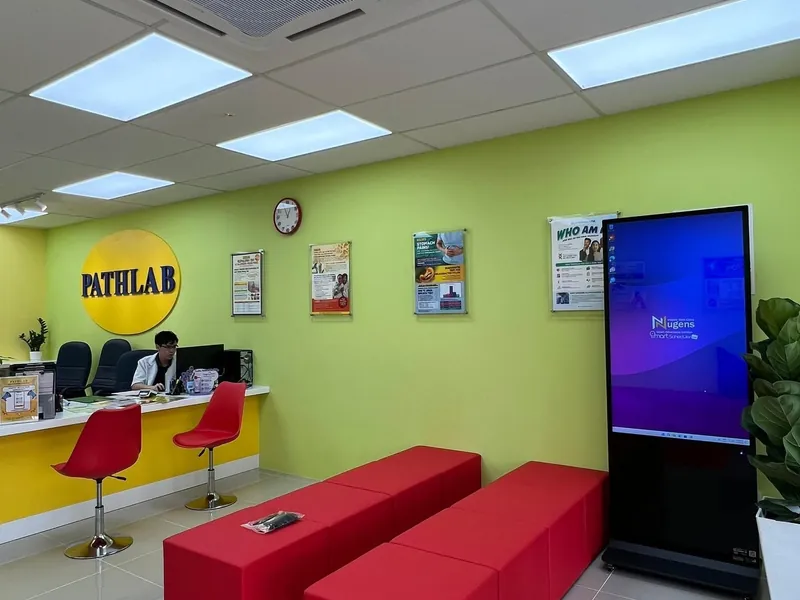
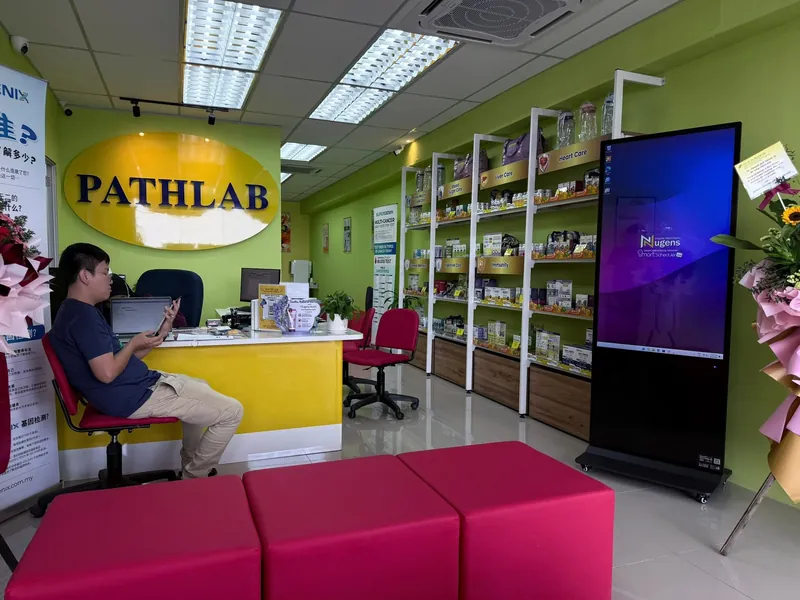
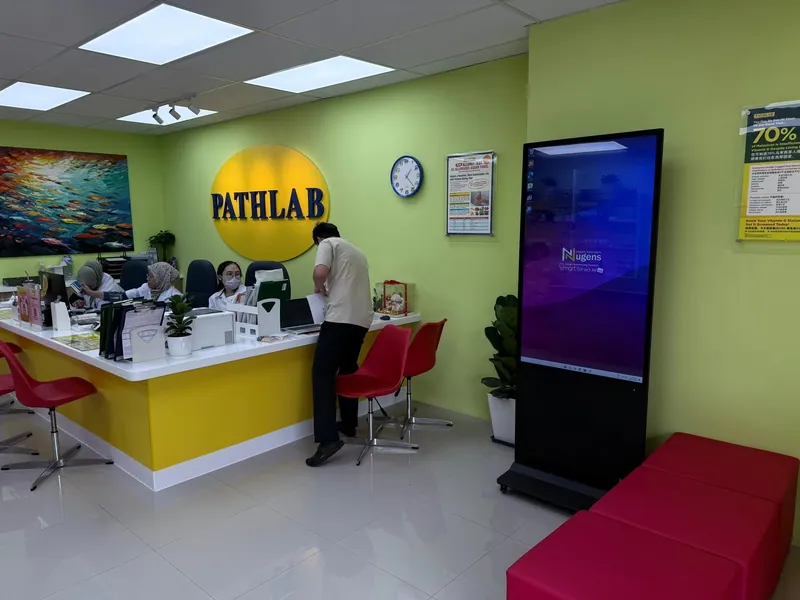
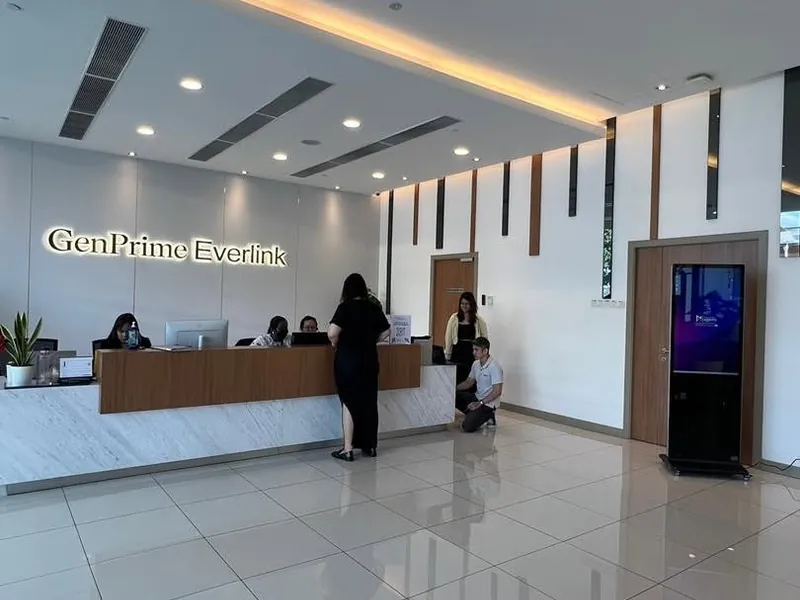
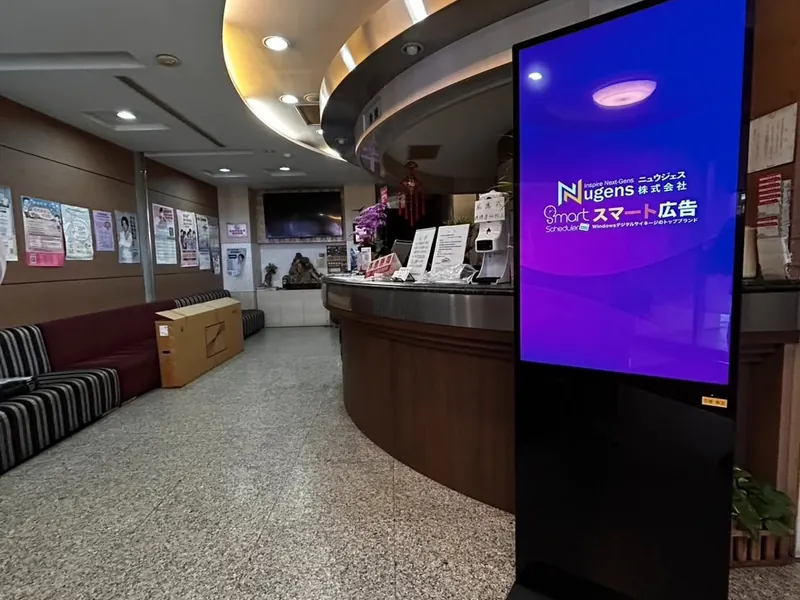
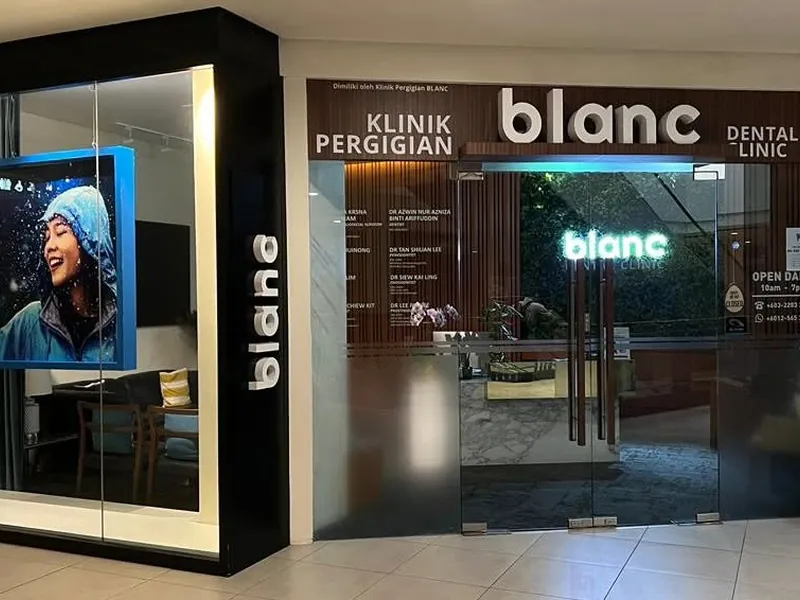
A clinic waiting room display in Malaysia from RM1,499 one-time. Your existing TV or a commercial screen, a Windows player, and software for health notices, doctor schedules and clinic announcements. Update from your office PC. Keeps playing when the internet drops.
Bayaran sekali. Tiada bayaran bulanan. Bermula RM1,499.
Actual SmartScheduler screens running in Malaysian clinics and diagnostic labs.
Waiting room screens should run on their own. Staff have enough to manage.
Content is stored on the Windows media player, not streamed from the cloud. WiFi drops, power cycling, slow hospital networks. The screen keeps playing regardless.
Health authority posters, MOH notices, PDF brochures, images. They work as-is on Windows. No conversion, no reformatting, no graphic designer needed.
Publish a Hari Raya notice on Monday, set it to remove itself on Sunday. Flu season content runs in Q1 and stops in Q2. It all happens without anyone touching the screen.
Pathlab runs 8 branches on one SmartScheduler account with full remote control. Push a new MOH notice to every clinic's digital signage display in under two minutes, or send different content to each branch independently.
Turn idle waiting time into informed patients. Our digital signage system displays health tips, doctor availability, and clinic announcements on a single digital signage screen, updated automatically, one-time payment, no monthly fee.
Works offline and runs on a one-time payment. Once set up, your waiting room digital signage screens run automatically every day. No staff intervention needed. Schedule different content for morning vs afternoon clinics.
How a typical Malaysian GP or specialist clinic runs SmartScheduler across an 8am–9pm operating day. Set once. Runs every day with zero staff action.
The setup is one-time. When MOH sends a new dengue advisory or KKM updates a vaccine schedule, your front-desk staff drops the new poster image into the dashboard from the front-desk PC, and every clinic branch (if you run multiple) updates simultaneously. No printing, no laminating, no waiting for the next staff meeting to brief everyone.
Most Malaysian clinic front-desk teams ask the same question: "can the screen show our queue number system?" SmartScheduler has no queue feature. Here is what works.
A queue system for clinics runs on Layar Queue, a separate cloud product. It shows a now serving number on the TV, and your staff tap Next on their phone. It needs a Layar player on Windows or Android.
If your clinic management system has a web-based queue display URL (e.g. from ClinicMaster, Vcare, or a custom system), SmartScheduler can play that web page on the screen. The numbers come from your clinic system, not from SmartScheduler.
Show your clinic system's web page on one half of the screen and rotating health-education content on the other half. Patients see their number, but the rest of the time their attention is on something useful: vaccine reminders, healthy-eating tips, your own clinic promos.
Pathlab runs one central content schedule across 8+ branches for its rotating health content. WhatsApp us if you want to see how it's set up before deciding.
Patterns we see from clinics 90+ days into running a waiting room display. Avoid these and the screen reduces front-desk workload from week one.
If patients have to look past the receptionist to read the screen, it doesn't reduce front-desk questions. It adds them. Mount the screen where waiting patients are seated facing it. Side wall at eye level (1.4–1.6m centre) beats a tall mount above the door.
A waiting room is not a billboard. If 70% of your slides are "buy "our health screening package," patients tune out, and clinics that look transactional lose trust. Aim for 60–70% health-education / public-info, 20–30% clinic services, 10% specific promos. Trust earned in the waiting room converts better than direct sell.
In a Klang Valley clinic, your patient mix is BM, English, and Mandarin. A screen that runs only English misses half your waiting room. Schedule different language slides for different times of day, or rotate within the same slot. SmartScheduler runs any image you upload. It doesn't care what language it's in.
After-hours patients passing the clinic see your screen running with your full doctor schedule and assume you're open. Add an explicit "Closed · Resume tomorrow 9am" slide that triggers at closing time. Reduces the "are you open" calls overnight.
Dengue alerts, flu-season notices, COVID SOPs: these change. A 2024 dengue poster running in 2026 is worse than no poster (it dates your clinic). Block 10 minutes once a month to refresh public-health content and remove expired advisories. SmartScheduler can also auto-expire content on a date you set.
A patient in a clinic waiting room is anxious, possibly elderly, possibly not native to your slide language. Default slides to 12–15 seconds for health content (longer than F&B menus). Pure decorative slides can be faster. If a slide has more than 30 words, it's at 18 seconds minimum.
Want our clinic display starter pack? WhatsApp us "Clinic checklist" and we'll send a PDF with mounting heights, content mix recommendations, and the schedule template Pathlab uses across their branches.
From single GP clinics to hospital chains with branches nationwide.
Waiting room and lobby displays across the hospital
Hospital8+ branches nationwide on a single central account
Diagnostic LabPatient education and service promotion in waiting area
Dental ClinicTreatment and skincare content scheduled by campaign
Aesthetic ClinicPharmacy product promotions updated from head office
PharmacyOne-time. No monthly fee. No contract.
Add smart scheduling to your existing waiting room TV. No need to replace the screen.
Need a new commercial screen? The RM3,999 package includes display and player, with installation quoted with your order. Multi-branch pricing available for 3+ screens.
Can the screen display content in Malay, English, and Chinese?
Yes. SmartScheduler runs on Windows, so any language your files are in will display correctly. You can upload a Malay health poster, an English vaccine notice, and a Chinese pharmacy promotion, each scheduled for its own time slot.
What happens to the waiting room screen if the internet goes down?
Nothing changes. Content is stored locally on the media player. The screen keeps playing your scheduled content exactly as configured. Internet is only needed when you push new content from the dashboard.
We already have a TV in the waiting room. Do we need to replace it?
No. The RM1,499 package works with any TV or monitor that has an HDMI port. We supply the Windows media player, connect it to your existing TV, and configure the software. Your TV stays.
How long does setup take and does it disrupt the clinic?
Installation typically takes 30 to 45 minutes. The media player connects to your TV via HDMI and needs a power socket nearby. No drilling or cabling is involved for most setups. Our team installs it on site, and delivery and installation are quoted with your order.
We have 6 clinic branches. Can we manage everything from one place?
Yes. All screens across all branches are managed from one web dashboard. You can push the same health notice to every branch at once, or send different content to specific locations. Pathlab uses this across 8 branches.
Can the receptionist update the notices without touching the media player?
With SmartScheduler, changes are made at the PC driving the display. That is deliberate: the waiting room screen keeps playing if the clinic line goes down. If you would rather your front desk update notices from a phone or any browser, a cloud platform fits better. Layar is a Malaysian one, from RM19 a month, with a free plan to try first.
SmartScheduler powers screens across every industry in Malaysia.